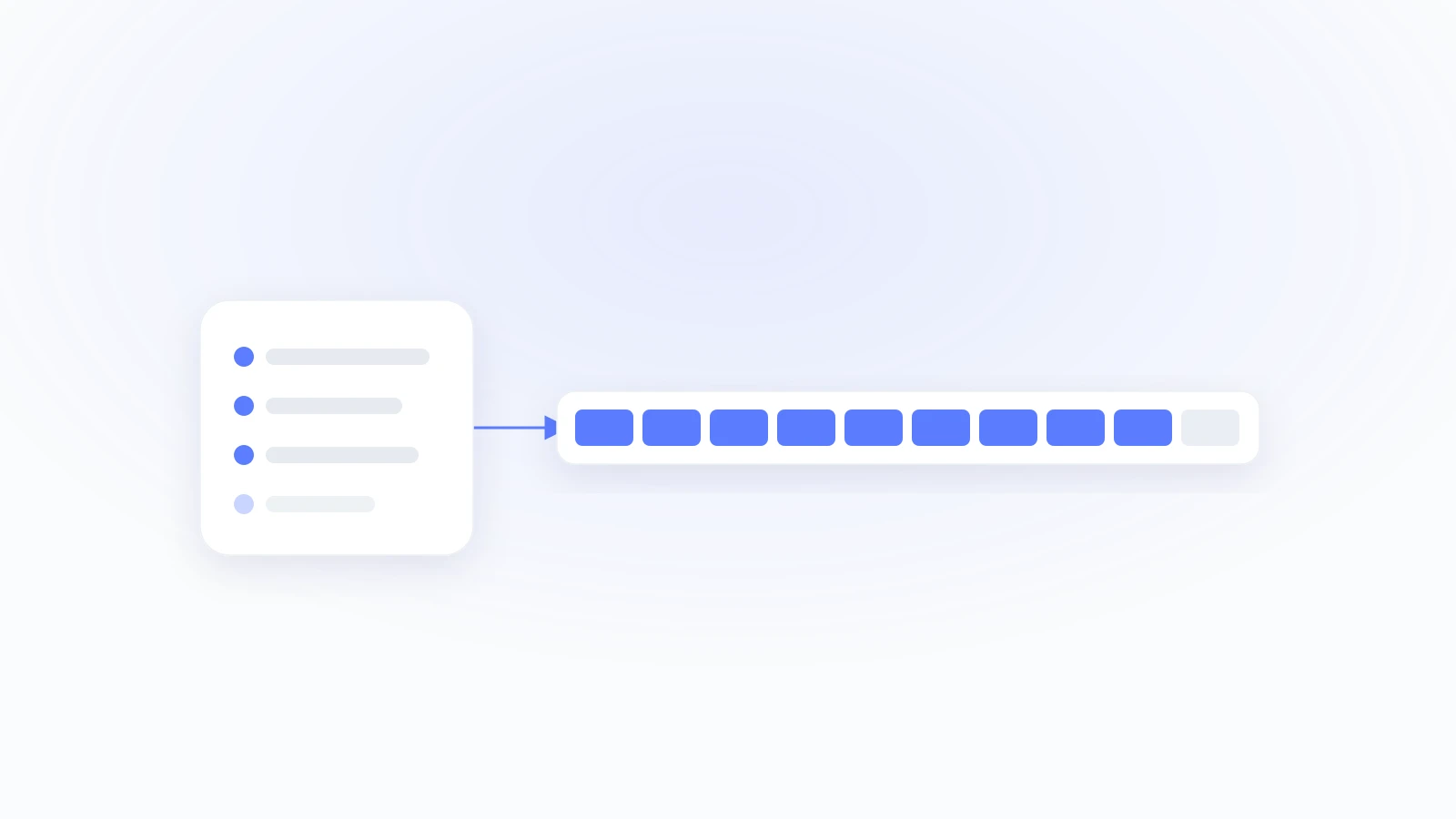
Event Match Quality is Meta's 0 to 10 score for how well the customer data you send matches real people in Meta's system. The higher it is, the more conversions Meta can tie back to your ads, and the better it optimizes. Most SaaS sit at 5 or 6 because they only fire the browser pixel. To reach a 9, you send clean, enriched first-party data server-side through the Conversions API, the kind of data that is already sitting in your Stripe account and your CRM. Our own SaaS setups run at 9.3 out of 10 doing exactly that.
The score is not vanity. A low EMQ means Meta drops events it cannot match, so your campaigns learn from a fraction of your real conversions and your cost per customer climbs. The fix is mostly about what you send, and how clean it is.
What counts as a good EMQ score?
Meta scores your dataset on a rolling 48-hour window and labels the result (About Event Match Quality):
| Score | Meta label | What it means |
|---|---|---|
| 0 to 3.9 | Poor | broken or thin data; most events do not match |
| 4 to 5.9 | OK | partial data, leaking matches |
| 6 to 7.9 | Good | solid, with room to grow |
| 8 to 10 | Great | strong matching; a clean 10 is extremely rare |
Aim for 8 or higher. A perfect 10 would mean every single event matched a Meta user, which never happens once you count organic visitors and people with no Meta account.
What actually moves the score
EMQ goes up with parameter coverage, data quality, and server-side delivery. Each customer field you add sharpens the match (Meta's CAPI best practices):
| Parameter | Match power | How to send it |
|---|---|---|
| Highest | SHA-256 hashed, lowercased, trimmed | |
| Phone | High | digits only, with country code, then hashed |
| External ID | High | your own user ID, hashed |
| First and last name | Medium | normalized, then hashed |
fbc / fbp | High when present | fbc only exists on a Meta-ad click |
| IP address and user agent | Support | captured server-side, not in the browser |
| Zip, city, country | Support | straight from the billing address |
The pattern is consistent: more clean parameters, correct hashing, sent server-side, equals a higher score. Setups that send eight or more parameters per event are the ones that land in Great.
Why SaaS starts ahead, and usually wastes it
A SaaS has the best match data there is. At signup and at checkout you already hold a verified email, often a phone number, a name, and a full billing address from Stripe. An ecommerce guest checkout would envy that.
Then most SaaS throw it away. They install the browser pixel, which sees a cookie and maybe an email if the form passes it, and they sit at a 5 or 6 while the real gold sits untouched in Stripe and the CRM. The pixel also loses events to ad blockers and cookie limits, so even the data it has does not all arrive.
How to actually reach a 9
Five steps, in order of impact.
- Send server-side through the Conversions API, not the pixel alone. The pixel is the floor, not the system.
- Enrich every event from your first-party sources. This is the biggest lever. Pull the hashed email, phone, name, external ID, and billing zip and country from Stripe and your CRM, and attach them to each event. This is what takes a 6 to a 9. Attributely does this enrichment automatically from your connected Stripe and CRM.
- Hash correctly. SHA-256, with email lowercased and trimmed and phone reduced to digits with a country code. One formatting slip and the field stops matching.
- Deduplicate by sending a shared
event_idon the browser and server versions of each event, so Meta counts one, not two. - Keep bots out, on both layers. A bot has no Meta account, so a bot event is a guaranteed non-match that drags your matched percentage down. Attributely runs bot detection on the client pixel and again on the server, a double check, so that junk never reaches Meta. This does not add match signal; it protects the score and keeps Meta optimizing toward real humans.
Do those and the data feeding Meta is complete, clean, and server-side. That is how our SaaS setups hold a 9.3.
Why chasing a perfect 10 is the wrong goal
Teams burn weeks trying to squeeze out the last point. Do not. A 10 needs every event to match a Meta user, and a real audience always includes organic traffic, privacy opt-outs, and people who are not on Meta. The attribution lift lives in the move from 5 to 8 or 9. Past that, you are polishing a number, not winning customers.
FAQ
What is a good event match quality score?
Meta labels 6.0 and above Good and 8.0 and above Great, on a 0 to 10 scale measured over a rolling 48-hour window. Aim for 8 or higher. Below 4 is Poor and means most of your events are not matching, usually from thin data or a pixel-only setup.
Why is my event match quality low?
Almost always one of four things: you are sending pixel data only with no Conversions API, you are missing high-value parameters like email and phone, your fields are hashed or formatted wrong, or bot and junk traffic is diluting your match rate. Enriching server-side fixes the first three.
What customer fields improve event match quality?
Email and phone carry the most match power, followed by external ID and name, with fbc, fbp, IP, user agent, and billing zip and country adding support. Send as many as you cleanly can; eight or more parameters per event is the mark of a Great score.
Does event match quality affect ad performance?
Yes. A higher score means Meta matches more of your conversions to real users, so it attributes more accurately and optimizes toward people who actually convert. A low score starves the algorithm and inflates your cost per result.
How do I improve EMQ for a SaaS specifically?
Stop relying on the pixel and enrich each Conversions API event with the first-party data you already hold in Stripe and your CRM: hashed email, phone, name, and billing fields. That is the single biggest move, and it is what separates a SaaS sitting at 6 from one running at 9.
The data that gets you to a 9 is already in your Stripe account. Most SaaS just never send it.
Make Meta optimize toward customers who actually pay. Attributely enriches every event from your Stripe and CRM automatically, the work that moves a SaaS from a 6 to a 9, so more of your real conversions match. Free to start. Raise your match quality →